
StudentsCoursesLessonsClassroom
Find Your Courses and Lessons
Review a public course page, open the community classroom, and understand why learning content may be unavailable.
2 min readLearning
In this guide2 sections and article resources
Article resources
Courses belong to communities. You can encounter a course in two places:
- A public course page can show the description, curriculum, instructor, requirements, price or free status, testimonials, and preview lessons before you enroll.
- Classroom is the member view for courses available inside a community.
Open a course from Classroom
- Enter the correct community and choose Classroom.
- Review each course card, description, access label, and progress.
- Open a course to see its chapters and learning items.
- Choose the next available lesson or quiz in the outline.
- Return to Classroom when you want to switch courses.
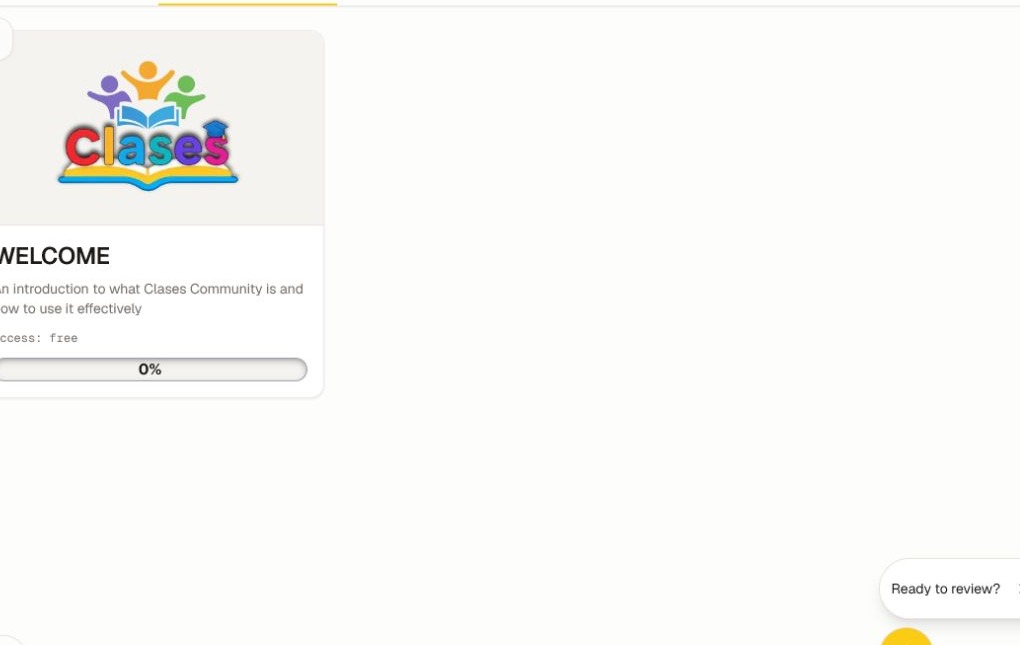
On a public course page, choose Start Learning, Continue Learning, an enrollment option, or a purchase action as shown. If you are already enrolled, Clases can take you directly to the member lesson view.
If a course or lesson is missing
- Confirm the community and signed-in account.
- Check whether the course is included in your membership or purchase.
- Look for a release date, prerequisite, cohort schedule, seat limit, or earlier lesson requirement.
- Ask the community admin whether the course should be available to you.
Draft courses and lessons are visible only to people with authoring permission. Members receive access after the creator publishes the content and its access rules are satisfied.
Was this helpful?
Your response helps us improve this guide.
Related articles
Discover, Compare, and Join a CommunityFind a community, review its access terms, join or request access, and keep your memberships organized.Read article Preview and Enroll in a CourseReview a public course page, sign in with the right account, complete enrollment, and confirm the course in Classroom.Read article Complete Lessons and Use Lesson ResourcesMove through a course, open supporting files, ask the teacher, and record lesson completion accurately.