
Enable and Run Course Cohorts
Enable cohorts, create a scheduled learning group, monitor pace and outcomes, and publish a reviewed recap.
In this guide3 sections and article resources
Article resources
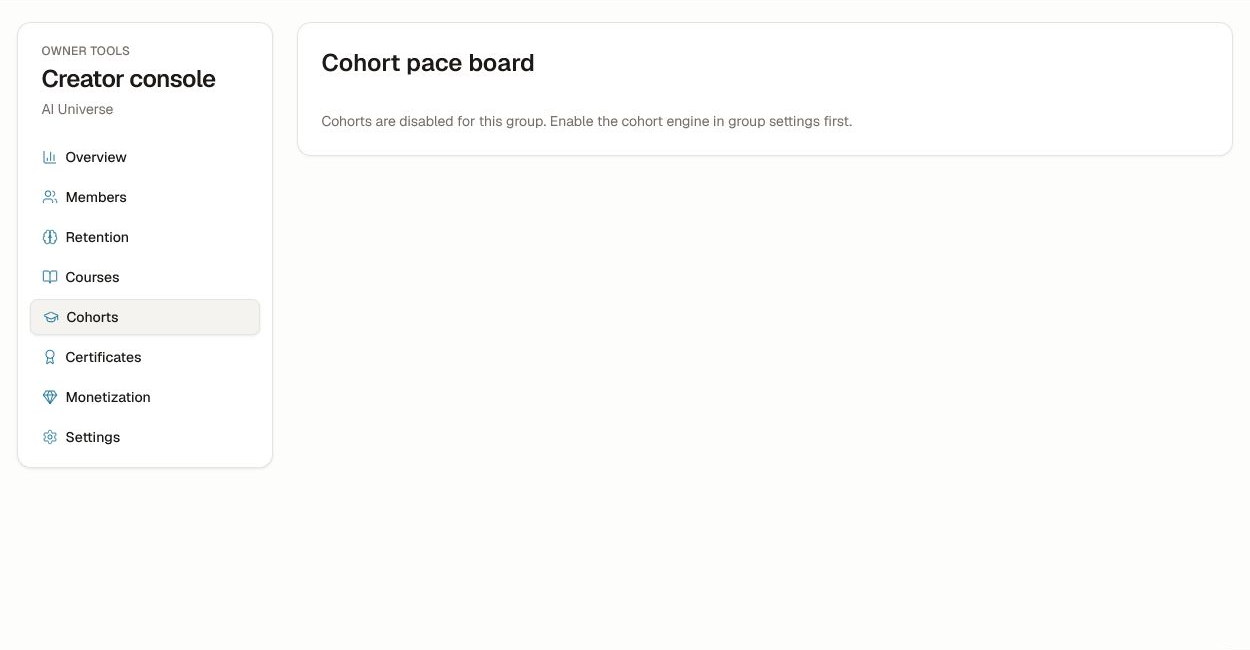
Open Creator console → Cohorts. If the page says cohorts are disabled, confirm the feature and group policy before creating a schedule. Do not use a guessed or legacy settings URL.
Create and publish a cohort
- Choose the eligible course and start Create cohort.
- Add the name, time zone, start/end dates, capacity, and enrollment rules.
- Build the weekly plan by mapping the correct lessons and checkpoints to each week.
- Review the schedule for weekends, holidays, due dates, and live events.
- Add or invite the intended learners.
- Keep the cohort in draft until the member preview and reminders are correct, then publish.
Changing a live schedule can alter learner expectations. Record the reason and communicate material changes.
Monitor pace and outcomes
Use the pace board to distinguish learners who are ahead, on pace, or behind. A nudge is eligible only when the current policy allows it. Check recent activity, time zone, accessibility needs, and known access issues before sending.
Open Cohort outcomes for completion, status, and available AI-cost context. Aggregate results are for program review, not public ranking.
Create a governed recap
Paste the approved session transcript or notes, generate a draft, edit it, and approve it before indexing or sharing. Remove private chat, attendance issues, personal feedback, secrets, and material the speaker did not authorize for reuse. A generated recap is never automatically authoritative.
Was this helpful?
Your response helps us improve this guide.